

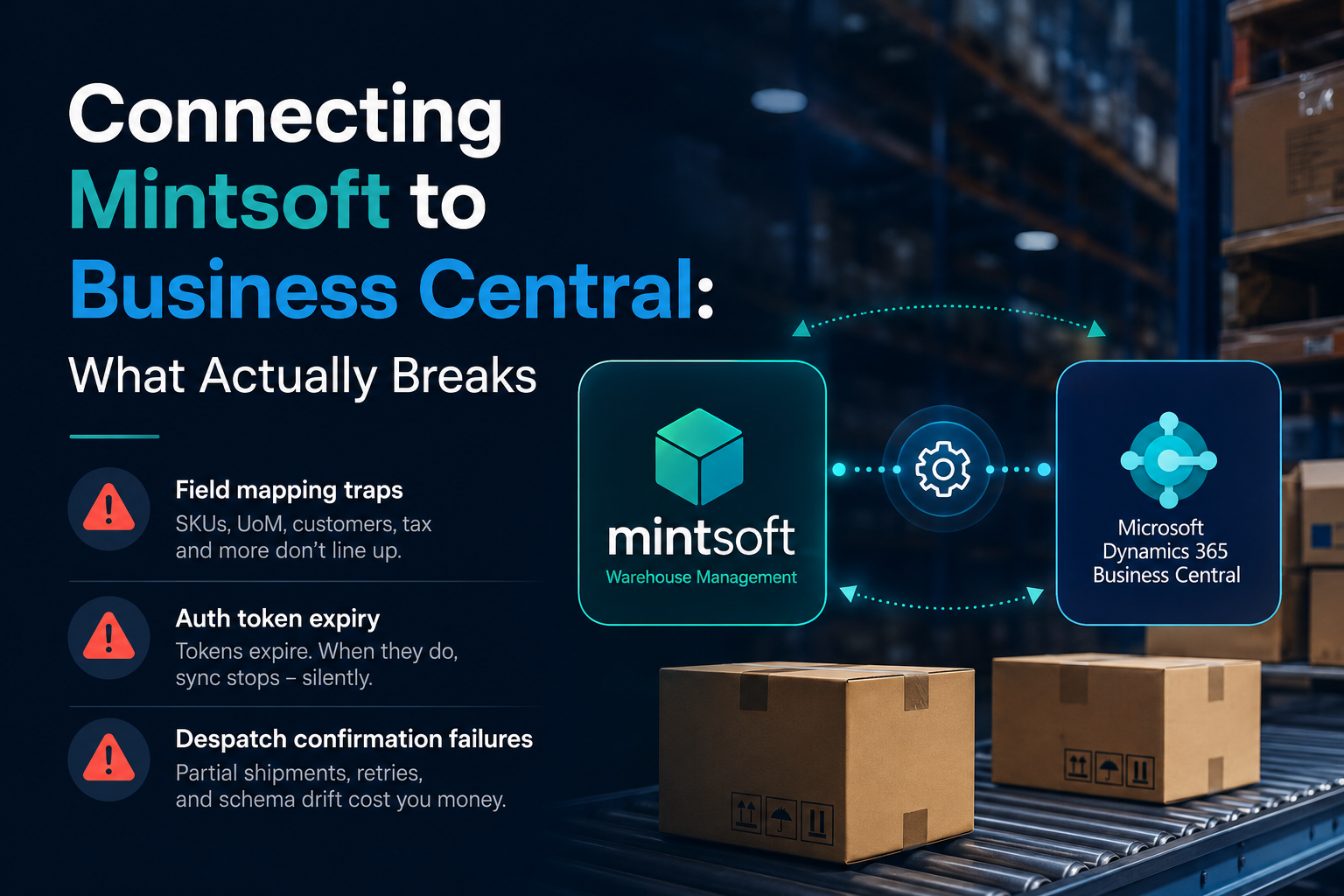
Mintsoft handles picking, packing and stock. Business Central handles the ledger, purchasing and financial reporting. Neither system was built with the other in mind, and that's the root of nearly every problem we've seen when a fulfilment business or trade supplier tries to connect the two. A Mintsoft Business Central integration looks simple on a project plan. In practice it fails in three predictable places: field mapping, authentication, and despatch confirmations.
We've built this exact link for warehouse operators who were previously exporting CSVs from one system and importing them into the other by hand, usually once a day, usually with someone checking totals against a calculator before month end. Here's where it actually goes wrong once you try to automate it.
Field mapping traps in a Mintsoft to Business Central integration
The first failure isn't technical, it's semantic. Both systems have a field called "SKU" or "Item No" and assume they mean the same thing everywhere. They don't.
- Item number length and character set. Business Central's Item No. field is commonly configured with a 20-character limit and no restriction on special characters. Mintsoft SKUs often carry supplier prefixes, size and colour suffixes and hyphens that push past that limit once you add a warehouse or channel prefix. Truncation happens silently in a lot of naive integrations, and you don't notice until two different items share the same truncated code in BC.
- Unit of measure mismatches. Mintsoft tracks stock in eaches by default. BC items are frequently set up with a base unit of measure of "PCS" but sold in "BOX" or "CASE" with a conversion factor. If your integration writes stock movements without checking the UoM conversion, your BC stock ledger drifts from physical reality within a week, and nobody notices until a stock take.
- Customer and warehouse codes. Mintsoft's client and warehouse structure doesn't map one-to-one onto BC's location and customer dimensions, especially if you run third-party logistics for multiple clients out of one warehouse. Get this mapping wrong and orders get despatched against the wrong customer's stock ledger, which is a genuinely painful thing to unpick in a live finance system.
- Tax and pricing fields. BC expects VAT posting groups and price fields formatted a specific way; Mintsoft doesn't natively hold this data in most setups. You end up needing a mapping table maintained somewhere, and that somewhere needs to be a proper data store, not a spreadsheet someone updates when they remember.
None of this is exotic. It's the kind of mapping problem that shows up on almost every ERP-to-WMS integration, and it's exactly what we had to solve when we built the warehouse system for Lama Fulfilment, where stock accuracy across multiple client accounts was the whole point of the build.
Auth token expiry: the failure that looks intermittent
Mintsoft's API uses token-based authentication, and those tokens expire. This sounds trivial until you're the one debugging why order sync "randomly" stops working every few hours.
The common pattern: a developer hardcodes a token during initial build and testing, everything works for a day or two, then despatch confirmations silently stop flowing through. The token expired and there was no refresh logic built in. Worse, sometimes the integration doesn't error loudly, it just stops writing new records, and the first sign anyone has is a customer asking why their order hasn't shipped according to BC's records, when it left the warehouse two days ago.
A properly built integration treats the token as short-lived by design: fetch it, cache it, refresh it before expiry rather than after it fails, and log every refresh so you can see, months later, whether refresh cadence is drifting. Business Central's own OAuth 2.0 flow via Azure AD has its own expiry and consent quirks, particularly around app registrations that lose delegated permissions after a password reset or an admin consent change nobody flagged to the dev team. Build the integration assuming both ends will eventually expire a token without warning, because they will.
Despatch confirmation failures: the gap that costs you money
This is the one that actually shows up on the P&L. Despatch confirmation is the message that tells Business Central an order has left the building and can be invoiced. If that message doesn't arrive, or arrives malformed, you get one of two outcomes, both bad.
- The order sits unconfirmed in BC, invoicing is delayed, and your debtor days creep up without anyone noticing until month end.
- Someone builds a manual workaround, usually a spreadsheet cross-check between Mintsoft's despatch report and BC's sales order list, which defeats the entire point of integrating the two systems in the first place.
The specific failure modes we've hit repeatedly:
- Partial despatches. An order ships in two parcels on two different days. Mintsoft fires a despatch event for each. A naive integration treats the second event as a duplicate and drops it, or worse, overwrites the first confirmation. BC ends up thinking the order shipped once, for the wrong quantity.
- Retry storms. If BC's API is temporarily unavailable during maintenance windows or throttling, a badly built integration will simply fire the same webhook payload repeatedly the moment the endpoint comes back rather than retrying with backoff. We've seen this create duplicate posted sales invoices, which then need manual credit notes to fix. That's an accounting problem caused by an integration problem.
- Silent schema drift. Mintsoft adds a field, or a client changes a courier integration that alters the payload shape slightly. If your mapping layer isn't validating incoming payloads against a schema and alerting on mismatch, malformed despatch confirmations get silently dropped rather than failing loudly. Nobody notices for weeks.
The fix isn't more code, it's the right shape of code: an idempotent middleware layer that de-duplicates on order and parcel ID, retries with exponential backoff, and logs every rejected payload somewhere a human actually looks. This is precisely the kind of integration layer we built the client portal around for CK Fulfilment, where Microsoft 365 and warehouse data both needed to stay in step without a human checking two screens every morning.
Why a middle layer beats a direct point-to-point link
Most of the pain above comes from treating this as a single integration rather than two systems talking through a layer that owns the mapping logic, the retry logic and the audit trail. A direct point-to-point connection between Mintsoft and BC works fine in a demo. It gets brittle the moment you have multiple warehouses, multiple sales channels, or a courier integration that changes its payload without telling you.
A proper API integration layer sits between the two, translates fields explicitly rather than by convention, handles token refresh as a first-class concern, and gives you one place to look when something doesn't reconcile. It costs more upfront than a quick webhook script. It costs a lot less than the afternoon spent finding out why BC thinks 40 units of a SKU shipped when Mintsoft says 25.
If you're running Mintsoft and Business Central side by side and reconciling them by hand, or if your current integration has started dropping despatch confirmations without anyone quite knowing why, we've solved this exact set of problems before. Get in touch and we'll tell you straight whether it's a mapping fix, an auth fix, or a rebuild.